
 by
by Every sports app starts with an idea. Every successful one depends on data.
When I started planning a tennis and cricket statistics app, I assumed the hard parts would be design, development, and performance. The technical stack. The user experience. Maybe hosting.
I was wrong about all of that.
The real challenge was finding sports data APIs with enough depth to actually power the product I had in mind.
The goal was straightforward: one app where fans, analysts, and sports researchers could explore tennis and cricket stats without jumping between five different websites.
Player comparisons, historical records, live events, form analysis, patterns hidden inside years of results — all in one place.
My Journey Building a Tennis and Cricket Stats App Using APIs
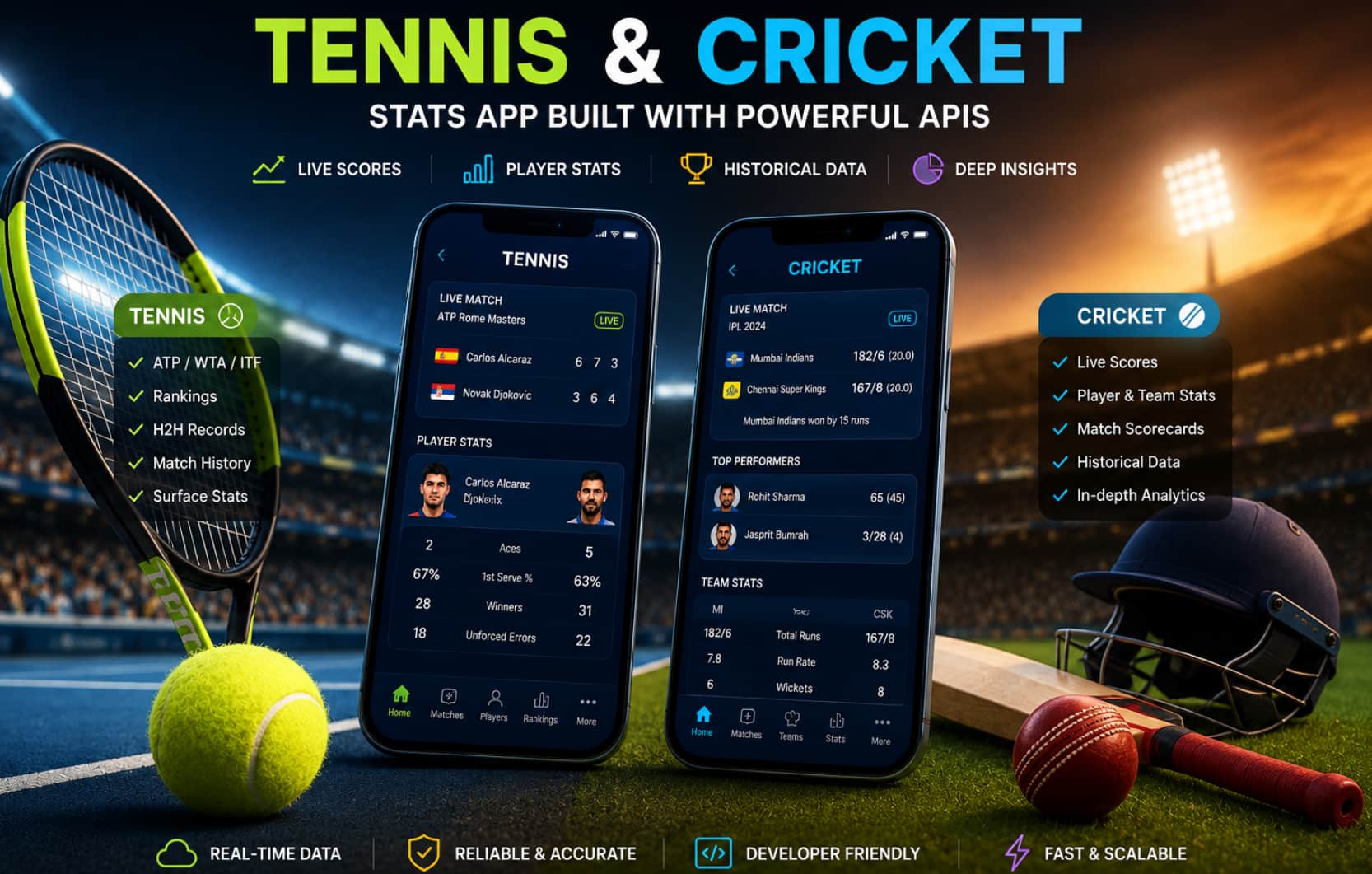
None of that works without the right data underneath it.
Why Tennis Was the Right Starting Point?
Tennis is one of the better sports for statistical analysis, mainly because the data is clean.
Every match produces structured, consistent information: players, scores, sets, surfaces, rankings, tournament tiers, and head-to-head records.
Tennis fans also already think comparatively. They want to know who performs better on clay, who has the stronger Grand Slam record, who’s in form right now versus who’s declining.
The questions are specific, and the data needed to answer them is well-defined.
That made it a logical first sport.
What I didn’t expect was how much provider quality varied. Some APIs cover live scores well but have shallow historical data.
Others handle ATP and WTA rankings but skip Challenger and ITF results entirely.
For a basic score tracker, that’s fine. For an app where historical context is part of the value, it isn’t.
Finding a Tennis API With Enough Depth
The core requirement was coverage across multiple dimensions — not just current fixtures, but player profiles, historical matches, rankings over time, tournament records, surface breakdowns, and head-to-head data.
That pushed me toward specialist tennis APIs rather than large multi-sport platforms where tennis is one category among dozens.
One provider that stood out early was Tennis-API.com, which is built specifically around tennis data rather than treating it as a secondary feed.
The reasoning was practical. A platform built around one sport tends to have more complete coverage of that sport — more historical depth, more edge-case handling, more attention to the data points that actually matter for tennis analysis.
The clearest insight from researching existing tennis data sites was this: users don’t want raw data. They want context.
A match result connected to surface history, ranking trajectory, and previous meetings is worth ten times more than the same result sitting in isolation.
That changed how I thought about the app from early on.
The First Three Features I Built
With the tennis data layer in place, the feature set became much clearer. Three areas came first.
1. Player Profiles
A useful tennis player profile goes beyond a name and a ranking number. It should show recent form, career results, surface records, tournament history, and enough context to understand where a player currently sits relative to their own career peak.
That’s what the profile section was built around — not just current stats, but trajectory.
2. Head-to-Head Comparisons
Head-to-head data is one of the highest-value features in any tennis app. Fans think naturally in matchups.
The questions they’re asking:
- Who leads the all-time head-to-head?
- Which player has the edge on a specific surface?
- How have results shifted over the last two years?
- Does the tournament tier change the pattern?
These questions need reliable historical match data. A head-to-head page built on incomplete records breaks user trust quickly — tennis fans will notice missing matches.
3. Match and Tournament History
The third area was historical browsing. Users should be able to move backward through tournaments and seasons to find patterns, not just check today’s scores.
This is where the app started feeling like a research tool rather than a score widget. That distinction matters for retention.
The Move to Cricket
After tennis was working, cricket was the obvious next step.
Cricket fans are statistically engaged in a way that few sports audiences match – they track batting averages obsessively, debate bowling economy rates, and remember scorecards from series played a decade ago.
The comparison culture in cricket mirrors tennis. Batters get compared across formats, bowlers across conditions and opposition quality, teams across eras.
But cricket introduced real technical complexity that tennis didn’t have. Tennis data is built around two players and a match.
Cricket data involves teams, innings structures, overs, partnerships, individual delivery data, multiple formats (Test, ODI, T20), and venue-specific stats.
That required rethinking the app architecture. The data models that worked for tennis needed significant changes before they could handle a cricket scorecard properly.
The lesson there: don’t assume data from one sport translates cleanly to another.
Cricket formats alone — the difference between a five-day Test and a 20-over T20 – mean the same stat can have completely different meanings depending on context.
Building Around APIs, Not Static Data
One of the earlier decisions I got right was building around APIs rather than static datasets.
Static data works for a prototype. It fails quickly once you launch.
Rankings update, matches finish, player records change, and tournaments progress. Maintaining static sports data manually is a losing battle.
| Approach | Pros | Cons |
|---|---|---|
| Static datasets | Easy to prototype | Stale fast, high-maintenance overhead |
| Live API feeds | Always current, scalable | Requires reliable providers, costs more |
| Hybrid (static + API) | Good for historical depth | Complex to manage correctly |
For a stats app where users are doing research and comparison, stale data is worse than no data.
Users come back because they trust that the records are accurate. One wrong result in a head-to-head history is enough to lose that trust.
What the Project Actually Taught Me?
A few things I’d tell any developer starting a sports data project:
- Data architecture before UI. It’s tempting to design screens first. But the data available shapes what features are possible. Building a beautiful player comparison page before confirming the API supports the required endpoints wastes time.
- Historical depth matters more than it looks at first. Live scores bring users in. Historical data is what keeps them. The features with the best engagement — comparisons, form analysis, venue records — all depend on years of historical coverage, not just current fixtures.
- Specialist APIs can outperform general providers for focused products. Large sports data platforms have broad coverage but often at pricing designed for media companies and sportsbooks. For a cricket or tennis-focused app, a specialist provider may offer better depth at a more practical price point.
- Raw numbers aren’t the product. The app’s job is to turn data into something faster to understand than reading through raw results. That’s a design problem as much as a data problem.
Where the Product Goes Next?
Once the data foundation is reliable, the next features become easier to plan. A solid API layer opens up:
- Surface-based performance forecasting for tennis
- Venue and conditions analysis for cricket
- Player alert systems for ranking changes or form shifts
- Tournament simulations based on historical head-to-head data
- Personalised dashboards filtered by favourite players or teams
All of these depend on the same underlying requirement: structured, complete, regularly updated sports data. The features are only as good as the records they’re built on.
FAQs
- What’s the most important factor when choosing a tennis data API?
Historical depth. Live scores are easy to find. APIs with five-plus years of complete match records, surface data, and head-to-head history are rarer and more valuable for a serious stats product.
- Do I need separate APIs for tennis and cricket, or can one provider cover both?
In most cases, specialist providers will give you better coverage per sport than a single general-purpose API. Two well-chosen specialist APIs typically outperform one broad platform for depth and data completeness.
- How do I handle cricket’s multiple formats in one app?
Define match format as a primary filter at the data model level from the start. Mixing Test and T20 statistics in the same queries creates ambiguity that’s hard to fix once users are relying on the data.
- Which features drive the most engagement on a tennis and cricket stats platform?
Head-to-head comparisons, player form pages, and historical tournament records consistently outperform live score pages on return visit rate. Live scores drive initial traffic; historical features drive sessions.
- Is it viable for a solo developer to build and maintain both sports?
Yes, with the right API setup. The maintenance burden is mostly in the data pipeline. Good APIs reduce that significantly — you’re building a product, not managing data imports.
Conclusion:
The clearest thing this project confirmed: sports software is data software.
The interface, the tech stack, the design — all of it sits on top of the data layer. Get that part wrong, and nothing else compensates.
If you’re planning a sports stats app, spend more time on API evaluation than feels necessary before writing any product code.
The provider you choose will determine what the product can eventually become — not just at launch, but a year from now.